
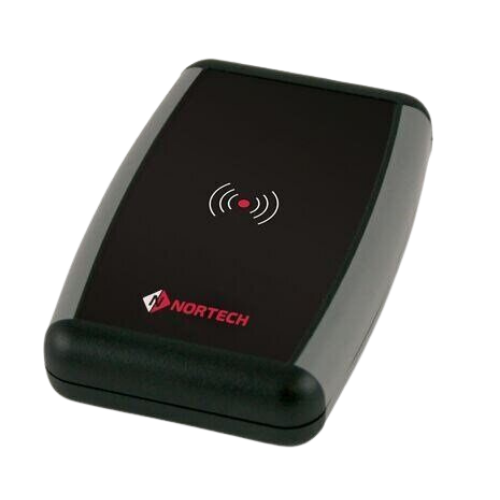
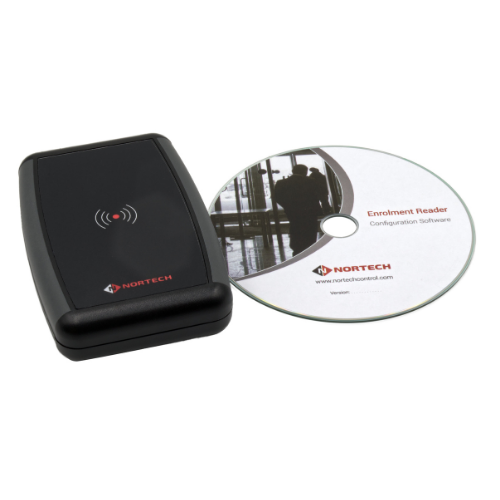
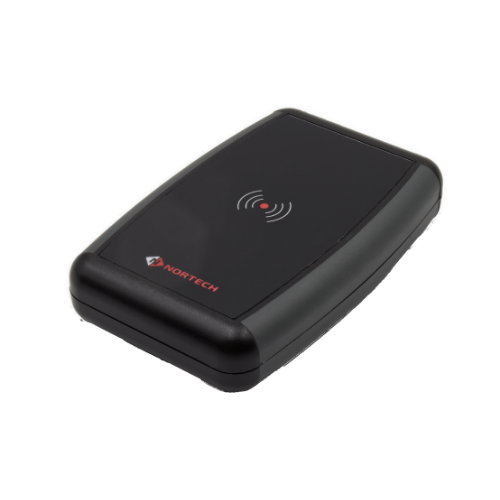
Desktop Smart Reader
DT1 Series
'Convenient Desktop Enrolment'
Supports most card reader technologies and software applications
PRODUCT FEATURES & BENEFITS
Nortech's desktop reader can be used to input data from proximity cards, smart cards or barcodes directly into Access Control software running on a PC or into databases, spreadsheets and other PC software applications.
DT2 model can support virtually any third-party reader technology by integrating the appropriate third-party reader into the desktop unit. The data output from the reader may be in either Clock & Data or Wiegand format.
features
- Compact desktop unit
- No installation required
- Connects to PC via a USB port
- Inputs card data directly into a PC application window
- Configurable via user-friendly software
- Selectable data output format
- Selectable terminating character
- Supports both Wiegand and Clock & Data card data formats
- Third-party reader integration option
Connect
Contact Us
+44 (0)1633 485 533
.svg) Product Catalogue
Product CatalogueSpecifications
|
HID Signo Reader Model |
20 |
20K |
40 |
40K |
|
2.4 GHz (Bluetooth) Credential Compatibility |
Mobile Credentials powered by Seos® (HID Mobile Access) |
|||
|
13.56 MHz (NFC) Credential Compatibility |
Seos, iCLASS SE®, iCLASS SR®, iCLASS®, MIFARE Classic, MIFARE DESFire EV1/EV2, FeliCa™ & Contactless e-Purse Application Specification (CEPAS), Mobile Credentials powered by Seos (HID Mobile Access) |
|||
|
125 kHz Credential Compatibility |
HID Proximity®, Indala® Proximity, AWID Proximity, and EM Proximity |
|||
|
Typical Read Range (Note 1) |
Seos®, MIFARE Classic, MIFARE DESFire EV1/EV2 & ISO14443A Single Technology Cards – 4 to 10 cm HID / AWID Proximity®, Indala Proximity®, EM Proximity & 125 kHz Single Technology Cards – 6 to 10 cm |
|||
|
Mounting |
Suited for mullion-mount door installations or any flat surface mounting |
Suited to mount and cover single gang switch boxes with a slotted mounting plate for alternate back-box spacing |
||
|
Colour |
Black bezel with silver trim baseplate (Note 2) |
|||
|
Keypad |
No |
Yes (2 x 6 layout) |
No |
Yes (3 x 4 layout) |
|
Dimensions (width x length x depth) |
45 mm x 121.5 mm x 19.5 mm |
45 mm x 121.5 mm x 21.5 mm |
80 mm x 121.5 mm x 19.5 mm |
80 mm x 121.5 mm x 21.5 mm |
|
Product Weight |
Pigtail: 95 g Terminal: 75 g |
Pigtail: 110 g Terminal: 90 g |
Pigtail: 140 g Terminal: 120 g |
Pigtail: 160 g Terminal: 140 g |
|
Operating Voltage |
12V DC |
|||
|
Current Draw (Note 3) |
NSC (Note 4): 60 mA Peak: 250 mA Max. Avg: 70 mA IPM (Note 5): 45 mA |
NSC (Note 4): 65 mA Peak: 250 mA Max. Avg: 75 mA IPM (Note 5): 48 mA |
NSC (Note 4): 65 mA Peak: 250 mA Max. Avg: 75 mA IPM (Note 5): 45 mA |
NSC (Note 4): 70 mA Peak: 250 mA Max. Avg: 80 mA IPM (Note 5): 55 mA |
|
Device Input and Output |
Input: Tri-colour LED, Buzzer, Hold @ Active Low Output: Tamper Relay 0-60V DC @ 100mA Max (Dry Contact) |
|||
|
Operating Temperature & Humidity |
-35° C to +66° C 0% to 95% non-condensing |
|||
|
Storage Temperature |
-40° C to +85° C |
|||
|
Environmental Rating |
UL294 Outdoor and Indoor rated, IP65 |
|||
|
Transmit Frequency |
125 kHz, 13.56 MHz, and 2.4 GHz |
|||
|
Communications & Panel Connection |
Wiegand, Clock-and-Data and RS-485 Half Duplex (OSDP) via Pigtail (0.5 m) or Terminal Strip |
|||
|
Device Management |
HID Reader Manager / OSDP configuration |
|||
|
Certifications |
UL294/cUL (US), FCC (US), IC (Canada), CE (EU), RCM (Australia, New Zealand), SRRC (China), KCC (Korea), NCC (Taiwan), iDA (Singapore), RoHS, MIC (Japan), GreenCircle, Bluetooth SIG, and additional regions. |
|||
|
Security Ratings |
EAL 5+ Certified Secure Element Hardware |
|||
|
Housing Materials |
Polycarbonate – UL94 V0 |
|||
| 1 | Read range listed is statistical mean rounded to nearest centimetre increment for ID-1 or clamshell credentials. HID Global testing occurs in open air. Form factor, technology and environmental conditions, including metallic mounting surface, can degrade read range performance; plastic spacers are recommended to improve performance on metallic mounting surfaces |
| 2 | Black trim baseplate & reader spacers available as an additional accessory at an additional cost. |
| 3 | Measured in accordance with UL294 standards; see Installation Guide for details |
| 4 | NSC – Normal Standby Current; see Installation Guide for details. |
| 5 | Intelligent Power Management (IPM) – Reduces reader current consumption up to 43%, based on model, compared to standard operating mode. |
Effortless Card Enrolment and Database Management from Any Workstation
The DT1 Desktop Smart Reader transforms any PC into a credential enrolment station without complex installation. Simply connect via USB, launch your access control software, and begin programming cards immediately.
Reception desks, HR offices, and security control rooms benefit from the ability to enrol new cardholders, verify credentials, and update database records directly from the desktop—no dedicated hardware infrastructure required.System administrators managing LEGIC, Mifare, or multi-technology credential databases will find the DT1 invaluable for day-to-day operations.
The reader inputs card data directly into any active application window, functioning like a keyboard for seamless integration with spreadsheets, databases, and third-party access control software.
For organisations using proprietary or legacy card technologies, the DT2 variant accepts free-issued third-party readers, extending compatibility to virtually any credential format in the market.
.svg)
.png)

USB Powered
No external power supply needed—draws power directly from the PC USB port for true plug-and-play operation.

Universal Input
Card data appears as keyboard input, compatible with any Windows application including Access Control software, Excel, and databases.

Multi-Technology
DT1 variants read LEGIC, Mifare, and other 13.56MHz formats; DT2 integrates third-party readers for legacy technologies.

Configurable Output
Select which portion of the card number to output and choose carriage return, tab, or bracket termination characters.

No, the DT1 and DT2 are true plug-and-play devices. They enumerate as standard USB HID keyboards and function immediately upon connection to any Windows PC.
Standard DT1 models are available for EM 125kHz, Hitag 1, DualProx (PAC + EM), Multi-ISO 13.56MHz (Mifare, LEGIC Advant, iCLASS, ICODE), and secure sector Mifare or LEGIC variants.
Use the included Windows configuration utility to select which bits or digits of the card number are output, set the terminating character (carriage return, tab, or square bracket), and enable or disable the internal buzzer.
DT1 models have an integrated reader supporting specific technologies. DT2 is a desktop enclosure with USB interface designed to accept a free-issued third-party reader, enabling support for virtually any credential format.
Yes, because the reader outputs card data as keyboard input, it works with any software that accepts typed input—including Norpass3, third-party access control platforms, and general-purpose applications like Excel.

GET TRAINED. GET CONFIDENT. GET INSTALLING.
Related Products
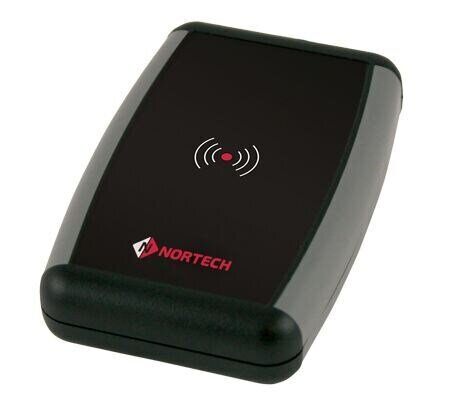
Desktop Proximity Reader
Supports most card reader technologies and software applicat...
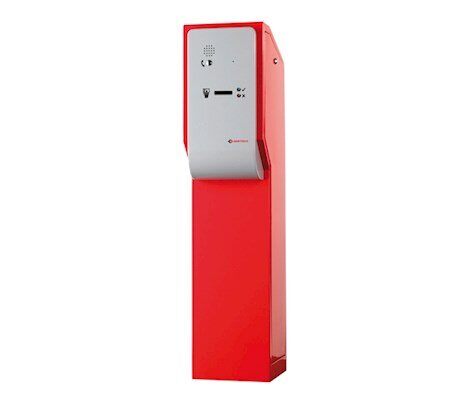
Access Control Card Validation & Capture Station
The Access Control Station provides an elegant access contro...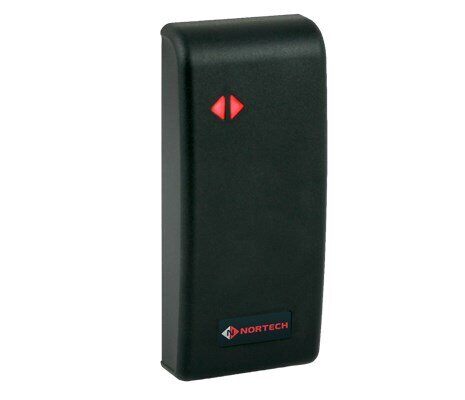
Mullion Mount Smart Reader
The MP1 reader's slender housing design suits most architect...