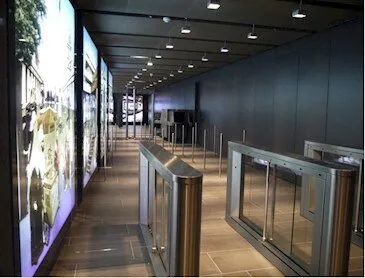
Hybrid Access Control Solution for Lydney Community School
The client Lydney C of E Community Primary School is a medium sized primary school set on the edge of the Forest of...
Read more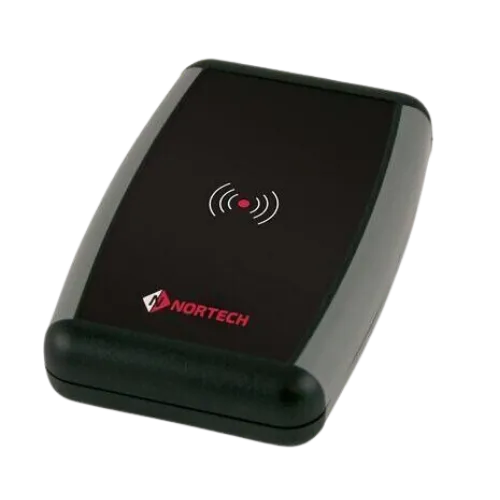
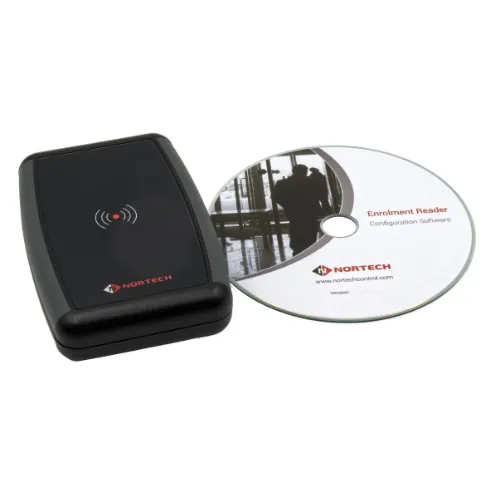
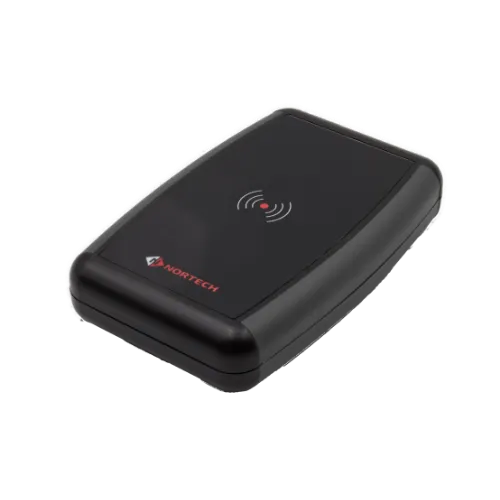
DT1 Series
'Convenient Desktop Enrolment'
Supports most card reader technologies and software applications
Nortech's desktop reader can be used to input data from proximity cards, smart cards or barcodes directly into Access Control software running on a PC or into databases, spreadsheets and other PC software applications.
DT2 model can support virtually any third-party reader technology by integrating the appropriate third-party reader into the desktop unit. The data output from the reader may be in either Clock & Data or Wiegand format.
| Supply Voltage | Powered via the USB port on the PC |
|---|
| Dimensions (mm) | 118 x 79 x 27 (L x W x H) |
|---|
| PC Interface | USB2.0 (backward compatible) |
|---|---|
| Reader compatibility | Wiegand: up to 80 bits input from the reader, up to 32 bits output as the card number Clock & Data: up to 40 digits input from the reader, up to 10 digits output as the card number |
| Termination Characters | Selectable; Carriage Return, Tab or square bracket |
| Internal Buzzer Operation | On/off selectable |
|---|
Datasheets, manuals and guides for the Desktop Smart Reader. Every file is a PDF and opens in a new tab.
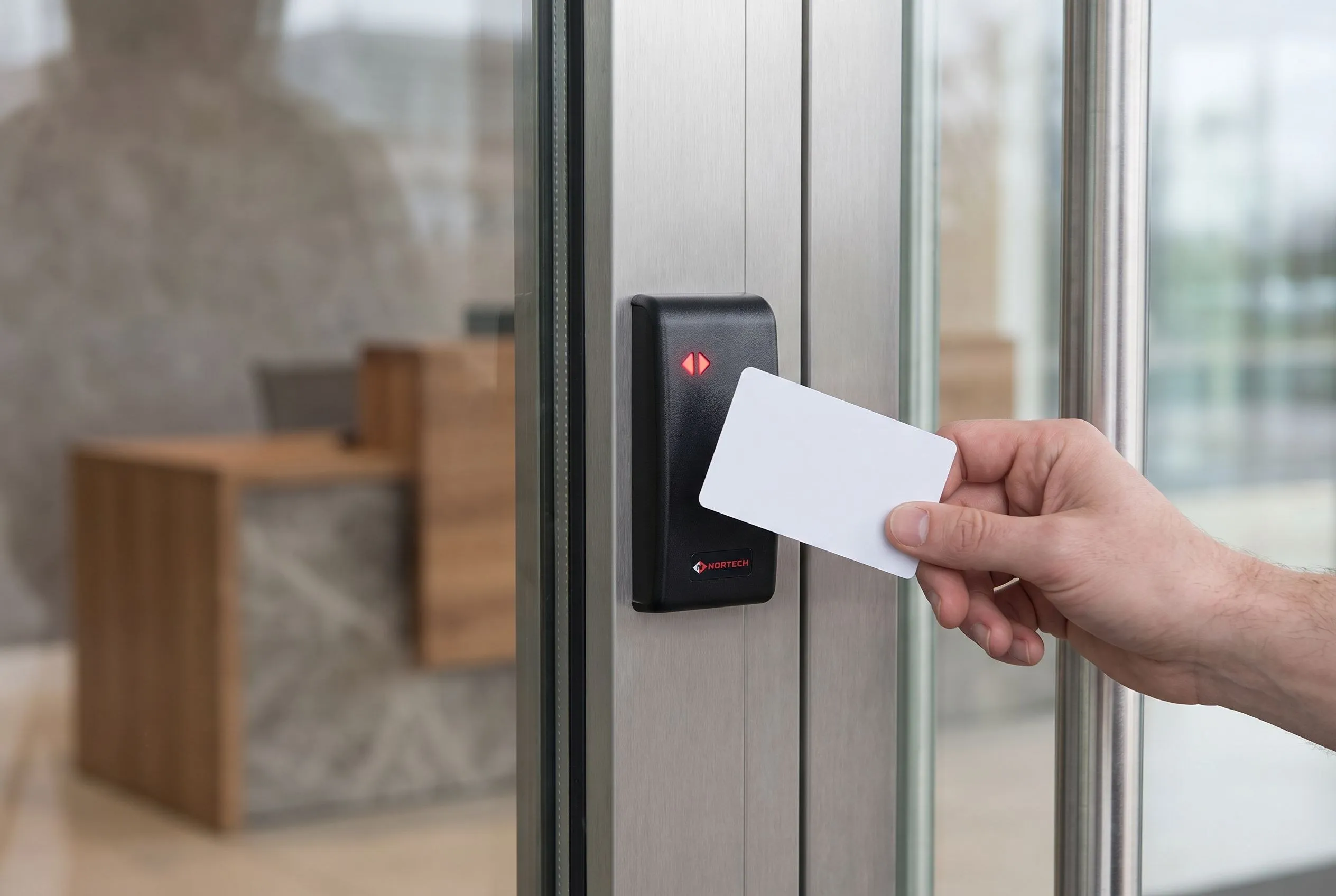
The DT1 Desktop Smart Reader transforms any PC into a credential enrolment station without complex installation. Simply connect via USB, launch your access control software, and begin programming cards immediately.
Reception desks, HR offices, and security control rooms benefit from the ability to enrol new cardholders, verify credentials, and update database records directly from the desktop—no dedicated hardware infrastructure required.System administrators managing LEGIC, Mifare, or multi-technology credential databases will find the DT1 invaluable for day-to-day operations.
The reader inputs card data directly into any active application window, functioning like a keyboard for seamless integration with spreadsheets, databases, and third-party access control software.
For organisations using proprietary or legacy card technologies, the DT2 variant accepts free-issued third-party readers, extending compatibility to virtually any credential format in the market.
No, the DT1 and DT2 are true plug-and-play devices. They enumerate as standard USB HID keyboards and function immediately upon connection to any Windows PC.
Standard DT1 models are available for EM 125kHz, Hitag 1, DualProx (PAC + EM), Multi-ISO 13.56MHz (Mifare, LEGIC Advant, iCLASS, ICODE), and secure sector Mifare or LEGIC variants.
Use the included Windows configuration utility to select which bits or digits of the card number are output, set the terminating character (carriage return, tab, or square bracket), and enable or disable the internal buzzer.
DT1 models have an integrated reader supporting specific technologies. DT2 is a desktop enclosure with USB interface designed to accept a free-issued third-party reader, enabling support for virtually any credential format.
Yes, because the reader outputs card data as keyboard input, it works with any software that accepts typed input—including Norpass3, third-party access control platforms, and general-purpose applications like Excel.
Case studies
The client Lydney C of E Community Primary School is a medium sized primary school set on the edge of the Forest of...
Read moreThe client The Gunnebo Security Group is a well established global leader in security products, services and solutions....
Read moreThe client Orchard Junior School in the village of Dibden Purlieu, Hampshire, where the staff pride themselves on their...
Read moreFree product training from our UK-based support engineers, who support every product we manufacture and distribute. Whether you're specifying for the first time or adding to your portfolio, we'll get your team up to speed fast.
Supports most card reader technologies and software applications.
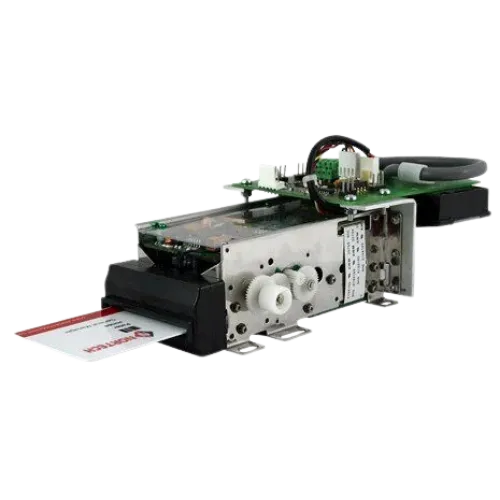
› View DetailsThe MRC350 replaces any standard proximity or smart card reader and provides the added capability of capturing or…
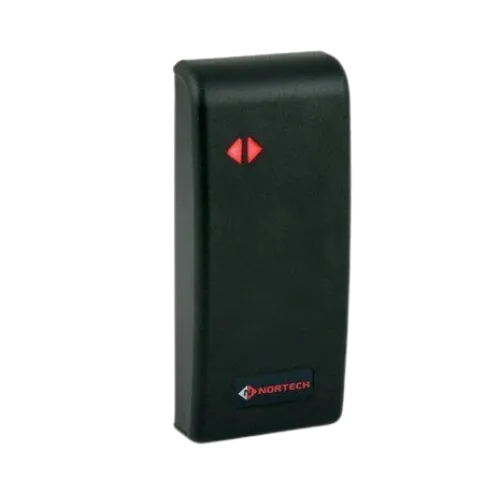
› View DetailsThe MP1 reader's slender housing design suits most architectural and interior design settings, while the robust AB…
› View DetailsWe're here to help
Call +44 (0)1633 485 533 or Email Us