
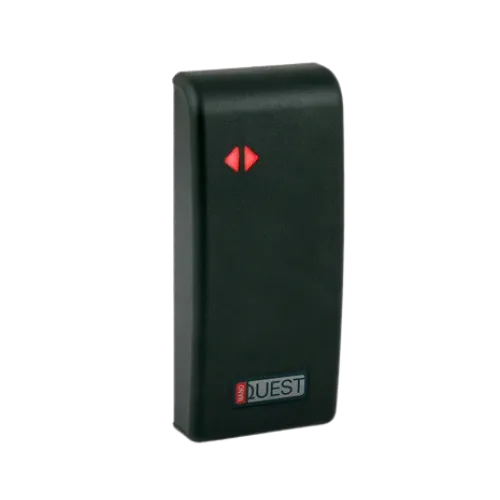
NanoQuest Compact Door Controller
Secure, single door self-contained access control system. A compact one-piece proximity card reader/access control…
› View DetailsSolutions
Access control for a school, college or university lets staff, students and approved visitors through the doors they need and keeps everyone else out of the building. A reader at each controlled door checks a card or fob, the controller unlocks the door for a valid one, and every entry is logged.
We design and manufacture the controllers and readers in South Wales. Lydney C of E Community Primary School in the Forest of Dean and Orchard Junior School in Hampshire use them on their entrances and internal doors.
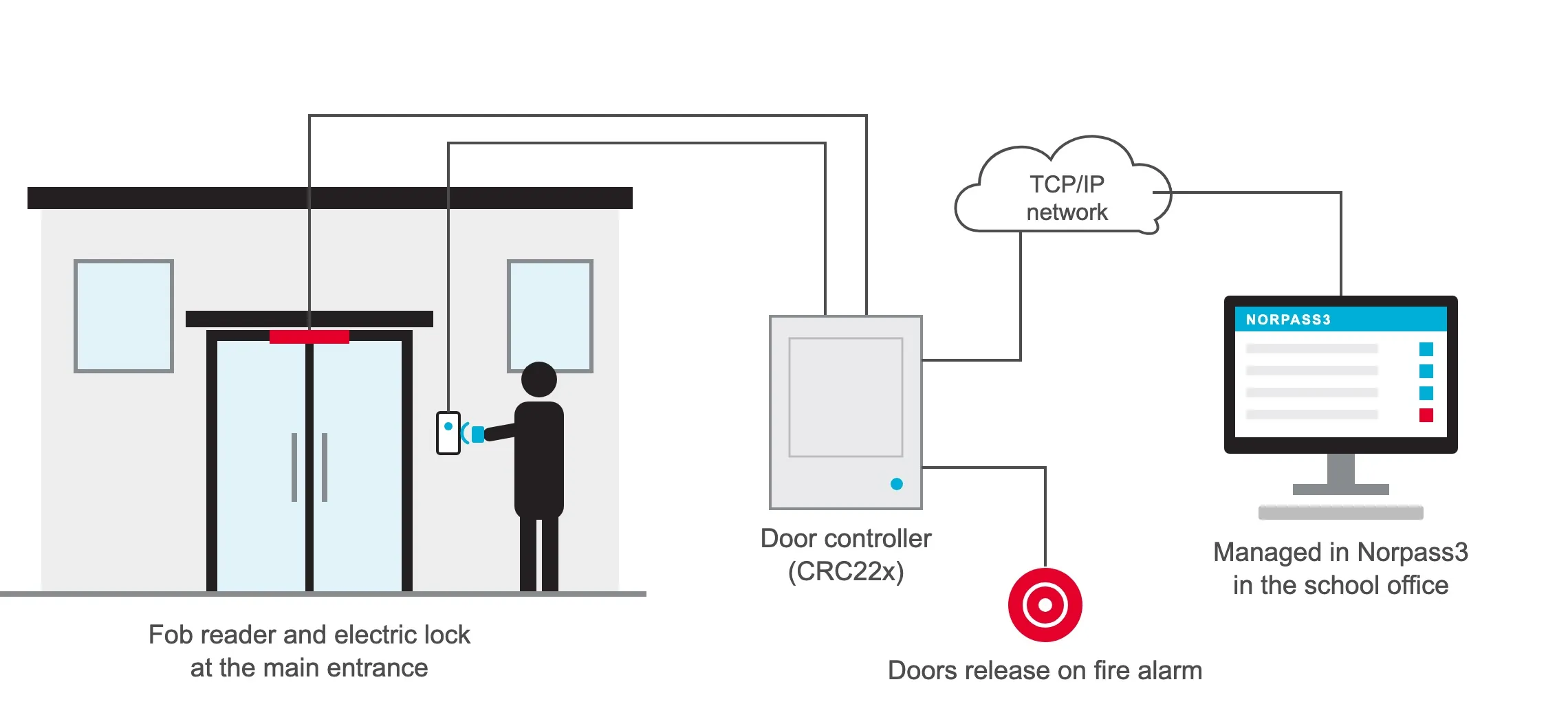
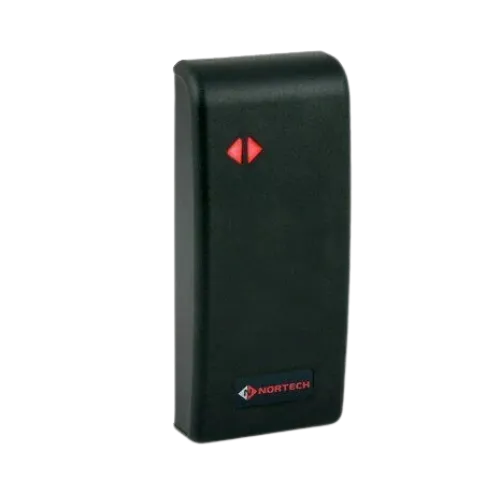
School access control replaces keys and keypad codes on the school's doors with fobs or cards that the office can issue, change and cancel. Each controlled door has a reader beside it and an electric lock, wired to a door controller that holds the list of who may open it.
It covers the main entrance, so nobody walks in unannounced, and the internal doors that need protecting: the server room, the finance office, the exam store, the staff room and the doors between the public areas and the classrooms. Every opening is recorded, so the school can see who went where and when.
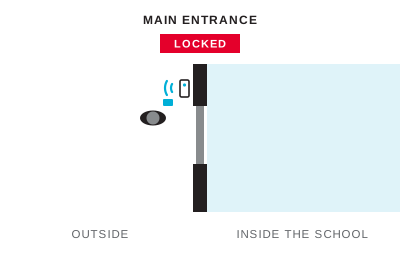 1
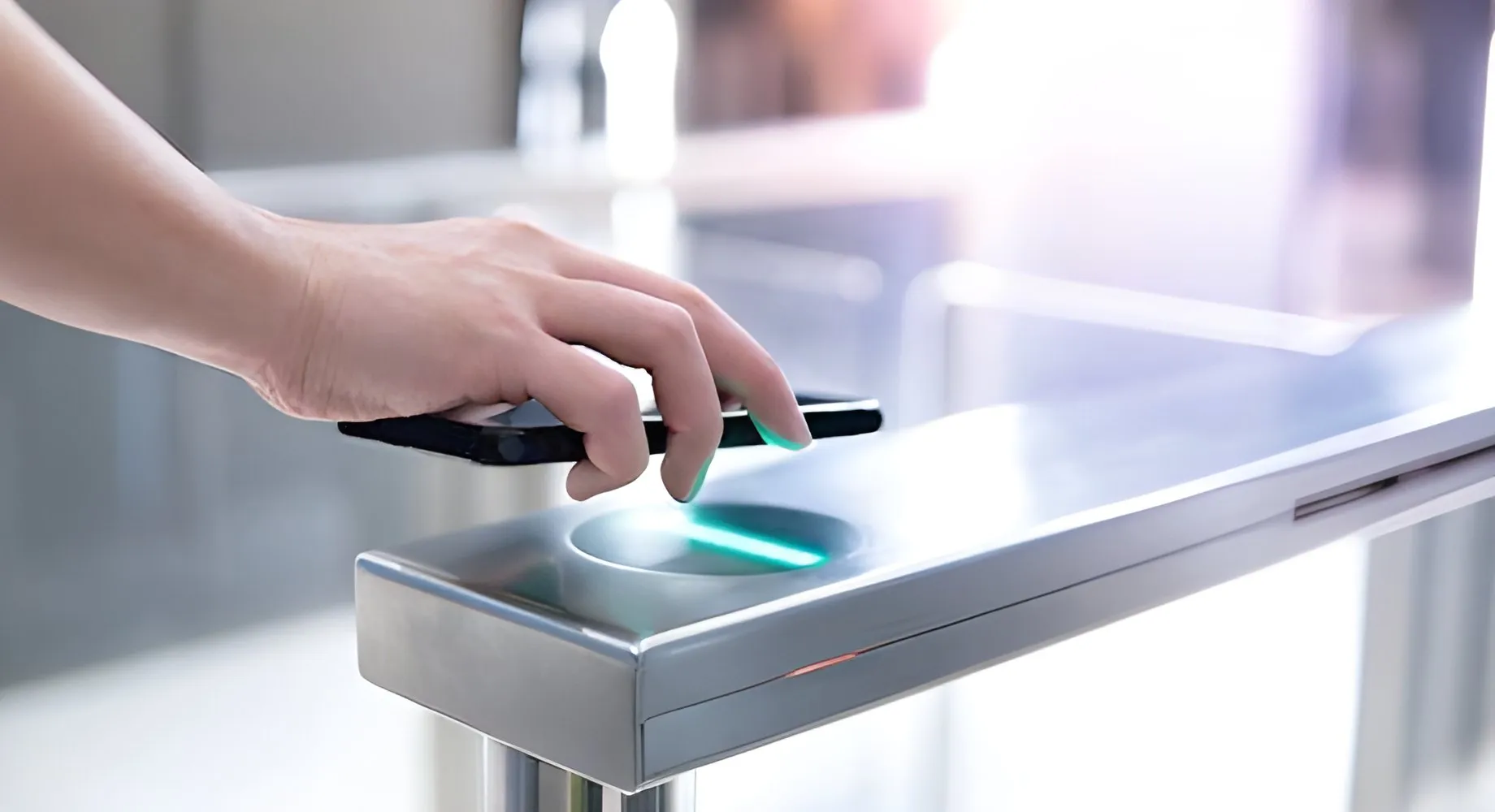
A member of staff or a student holds a fob or card to the reader beside the door. There is no code to remember or share.
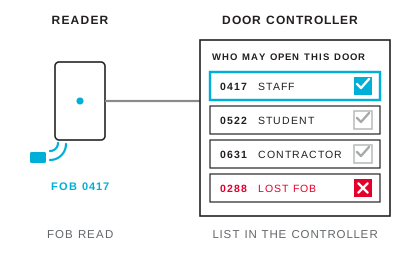 2
The door controller checks the fob against its list of who may open that door, and at what times. The list is held in the controller, so the door keeps working if the network is down.
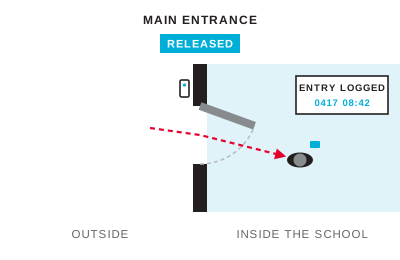 3
For a valid fob the controller releases the lock for a few seconds and logs the entry. An unknown or cancelled fob is refused and logged too.
 4
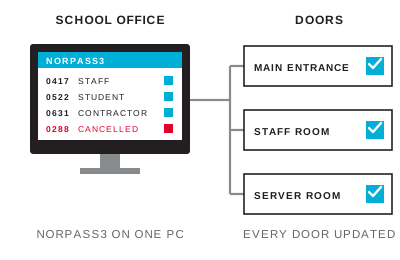
On a networked system the office adds, changes and cancels fobs for every door from one PC in Norpass3, and runs reports from the same place.
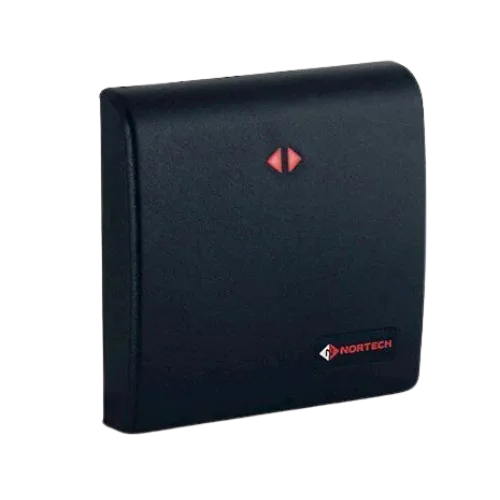
A small school can start with a single entrance. NanoQuest combines the reader and controller in one IP65 unit, holds up to 500 users and is programmed with a master card, so there is no PC or software to run. At Orchard Junior School it replaced a keypad whose code the children had learned.
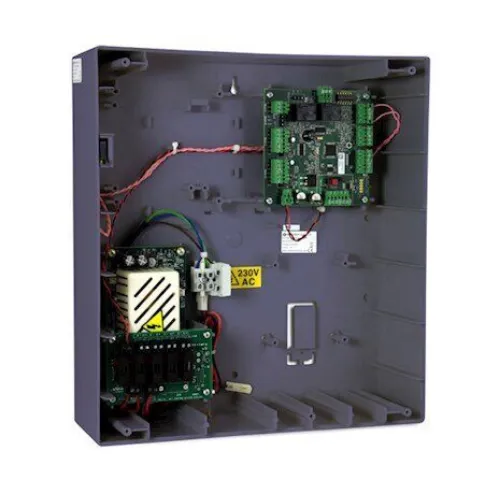
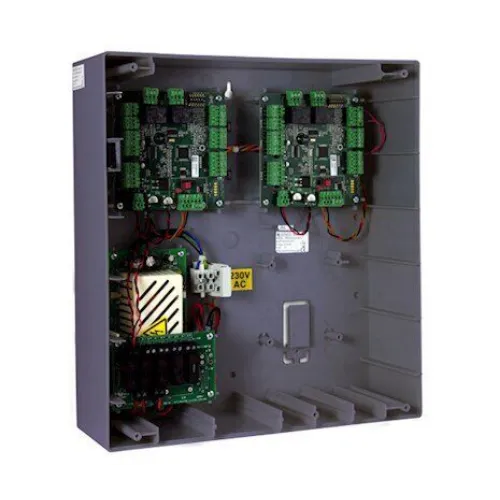
A larger school, college or campus needs central control. Networked CRC22x door controllers run over the school's IP network and are managed in Norpass3, our licence-free access control software, so the office adds and cancels fobs for every door from one PC and can report on who went where.
The two can be mixed. At Lydney Primary, a networked controller with proximity readers covers the main entrance and NanoQuest controllers protect internal doors to restricted areas, all on the same staff fobs.
Locks, door closers and power supplies come from the installer, chosen for each door.
Each CRC22x controller has a fire alarm input. Wired to the school's fire alarm, it releases the doors that controller holds, and maglocks release when their power is removed. Agree the release arrangement with the fire alarm installer and the school's fire risk assessment before commissioning.
Norpass3's optional RollCall mustering uses the entry records to show who is on site, which the office can check against the register at the assembly point.
The controllers store up to 1,700 events themselves, so nothing is lost if the network or the PC is down; the events upload when the connection returns.
Proximity fobs suit most schools: they are cheap, hard to damage and there is no code to share, unlike a PIN that pupils copy. For doors that need more security, smart cards and readers using MIFARE DESFire are much harder to copy than 125 kHz proximity fobs.
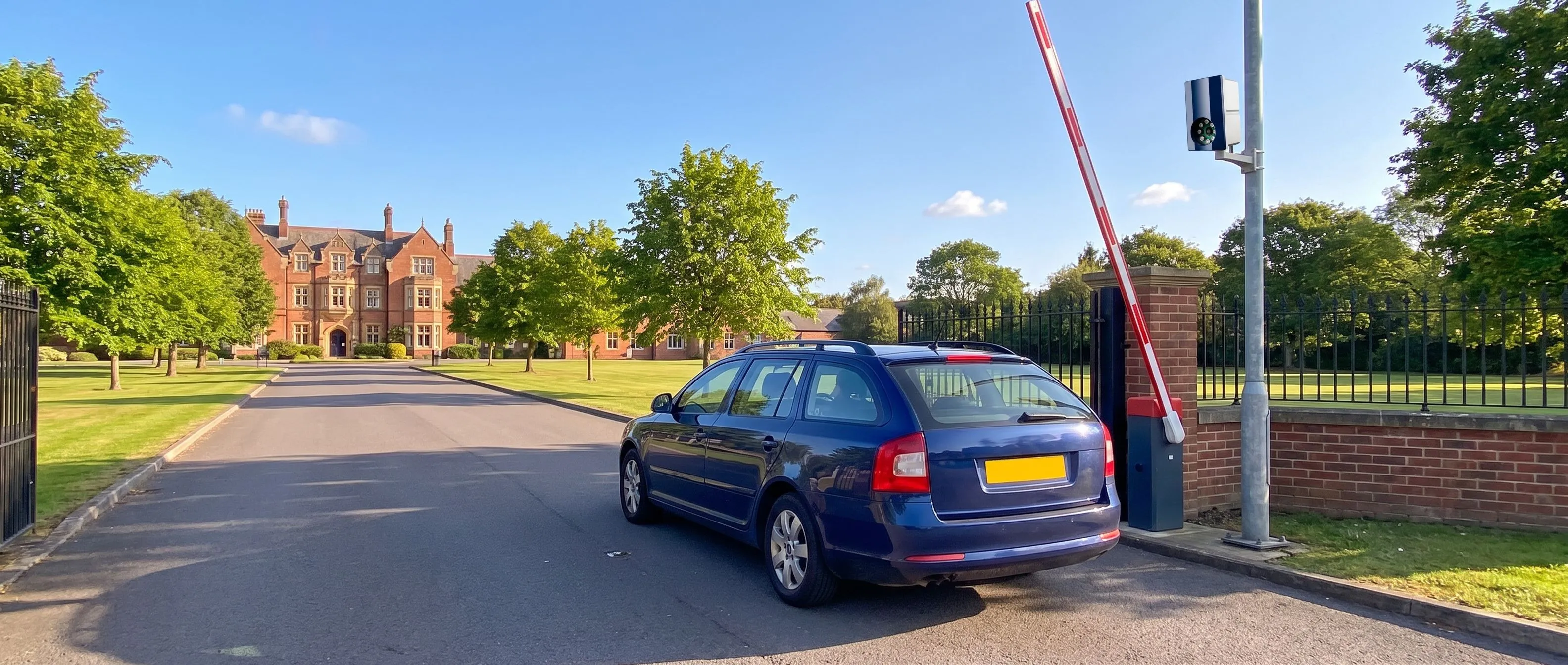
For the gates and the car park, see vehicle access control for schools and campuses. Our guide to access control for schools covers the options in more depth.
We supply through installers and distributors, so the price comes from the installer after a site survey. Our sales team can help put the equipment list together, or introduce an installer near you: sales@nortechcontrol.com.
Request a quote
Send us a description of the project or the products you need and we'll aim to quote within 48 hours.
Request Quote
Case study
Lydney Primary School upgrades from a failing magnetic stripe system to a hybrid solution, with Norpass3 networked control with NanoQuest.
Secure, single door self-contained access control system. A compact one-piece proximity card reader/access control…
› View DetailsThe CRC221-1 single-door controller is part of a range of versatile modular on-line access control panels suitable fo…
› View DetailsThe CRC221-2 two-door controller is part of a range of versatile modular on-line access control panels suitable for c…
› View DetailsTogether with Nortech’s modular access control panels, Norpass3 access control software provides a high degree of…
› View DetailsDesigned to fit UK standard wall switch back boxes. Suits most architectural and interior design settings, while t…
› View DetailsDesigned to fit most architectural and interior design settings, with the robust ABS polycarbonate construction th…
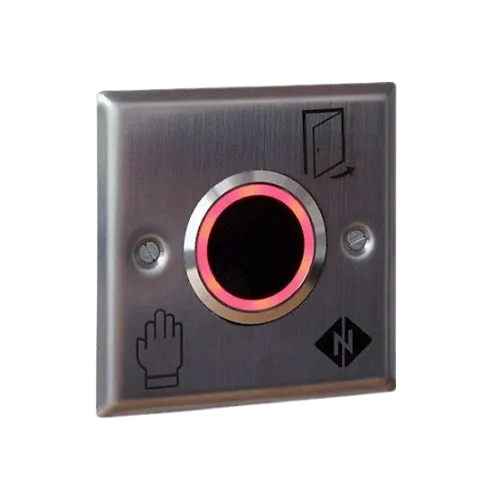
› View DetailsAttractive stainless steel IR proximity exit button that that avoids physical contact. Fits a standard UK back box…
› View DetailsWe're here to help
Call +44 (0)1633 485 533 or Email Us